For marketing and web teams
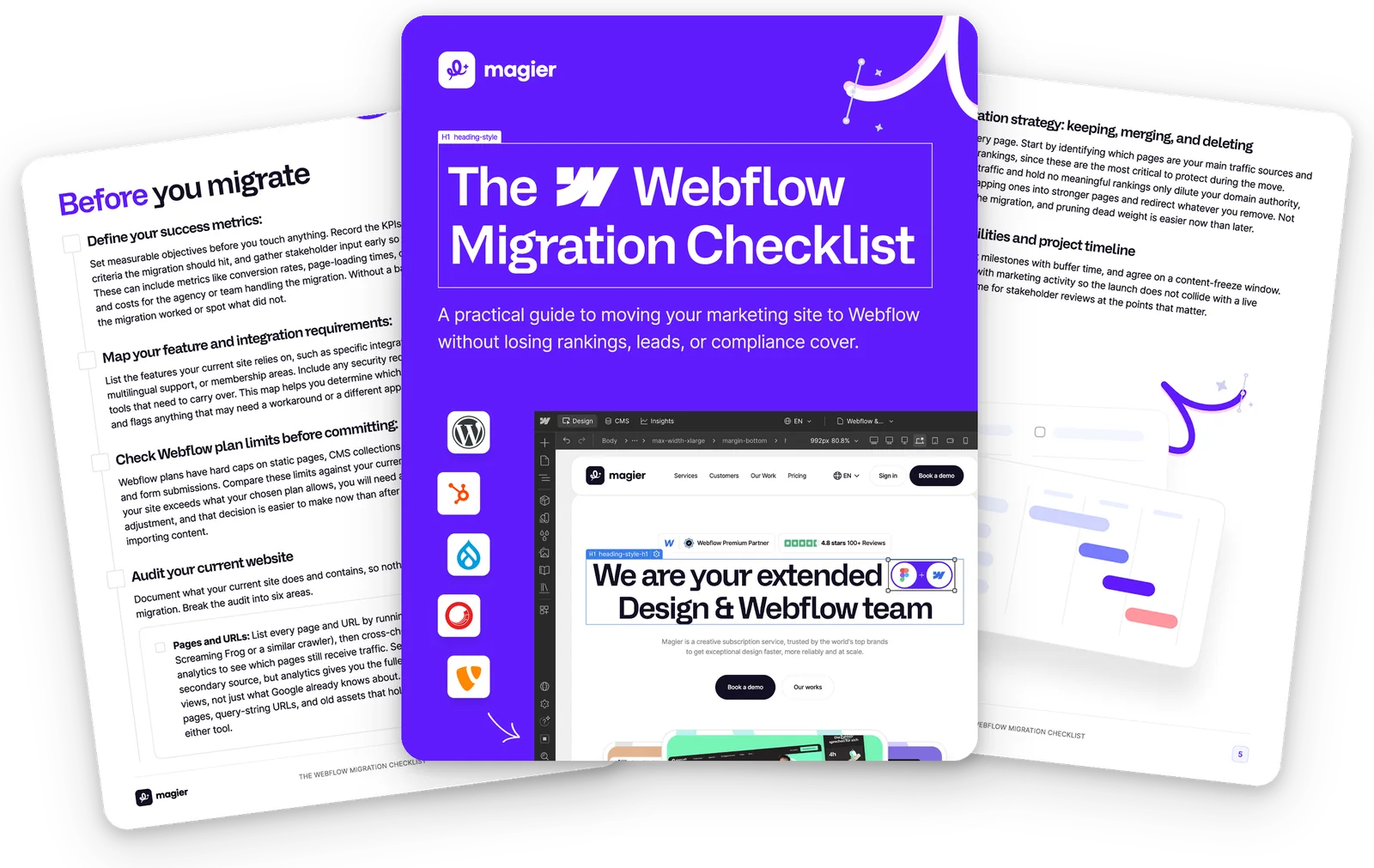
The Webflow Migration Checklist:Move without losing rankings and leads
The sequence we have followed across more than 300 Webflow projects. From the first audit to the DNS switch, including the places where migrations quietly go wrong.

For B2B companies that want to move their existing website to Webflow.
01
The 6 areas to audit before you move
Pages and URLs, media, downloads, forms, CMS content and today's numbers. Whatever is missing here shows up after launch.
02
The redirect plan that keeps your rankings
Which URLs need a redirect and how to verify them before go-live instead of after.
03
What Webflow plans actually limit
Static pages, CMS collections, items and form submissions all have hard caps. Better matched against your site before you start building.

Who is this checklist for?
It helps most when an established site moves and traffic is on the line.

Marketing and web leads
You plan the move and you are measured on the numbers that come in afterwards.

Sites that already bring traffic
Rankings, forms and live campaigns all hang on the site. That is where a mistake hurts.

WordPress, TYPO3 or legacy CMS
You are coming from a system where every change has to go through development.
The sequence we follow on every migration
From 300+ Webflow projects, for startups through to enterprise.
01
Define success metrics and timeline
02
Audit your site in six areas
03
Decide which pages move
04
CMS collections and content import
05
301 redirects and SEO handover
06
Consent management and accessibility
From our work with 150+ top companies